Messy? Same. Let AI do the money part.
I'm Serafyma. I build AI products for a living, I was the first employee at two startups, and I'm still a little chaotic. Here I share the systems that make money and tech work for people like us.
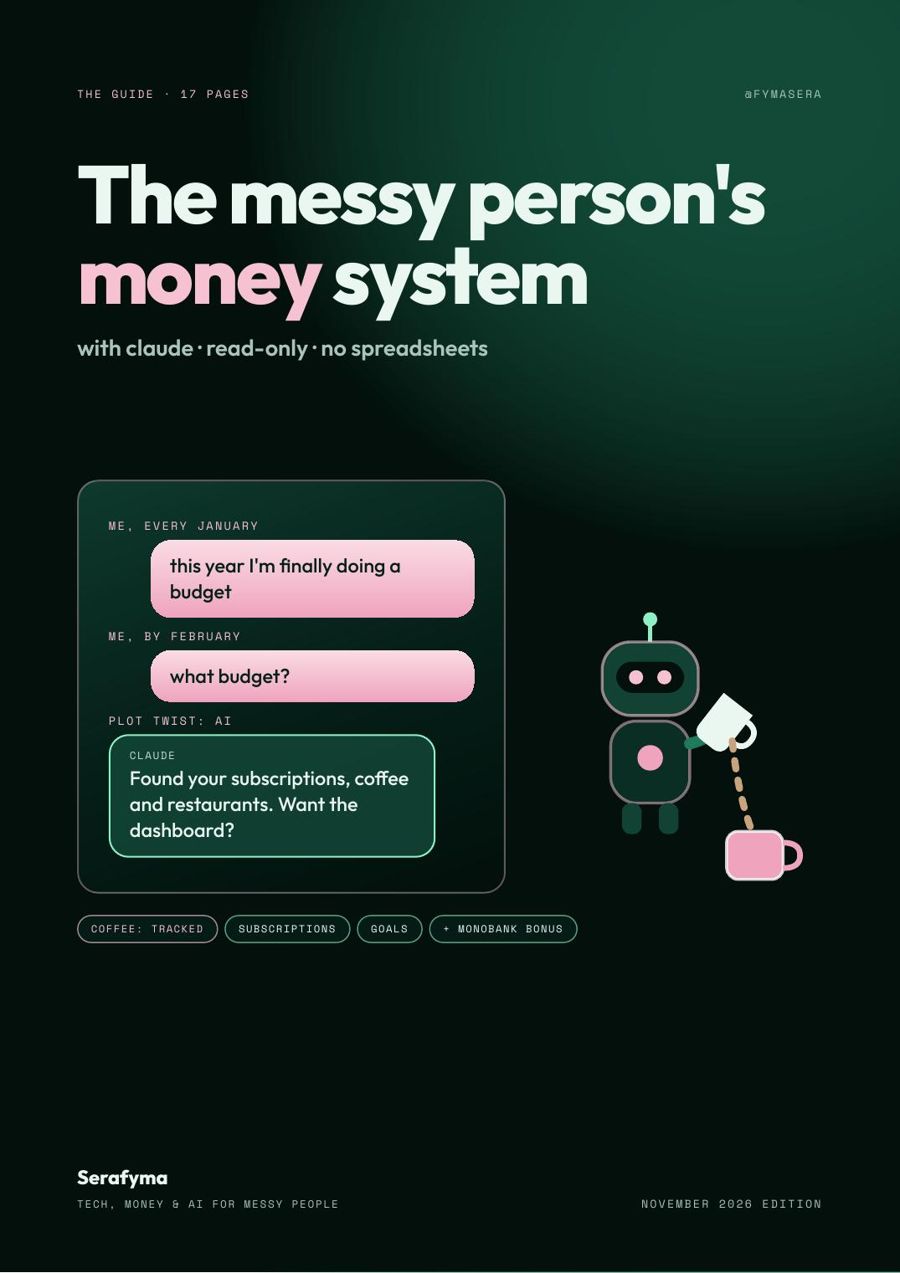
The messy person's money system
Connect your bank to Claude read-only, paste one prompt, and get a personal money dashboard: subscriptions, coffee, restaurants, goals and a planner you can ask questions. With a Monobank bonus in Ukrainian.
Build your team work dashboard in ChatGPT: who owes you what, what you promised, what's blocked and what actually shipped. With money follow-ups too: invoices, reimbursements and payments people promised you.
When your work has a dashboard, do the same for your money with the $9 guide.
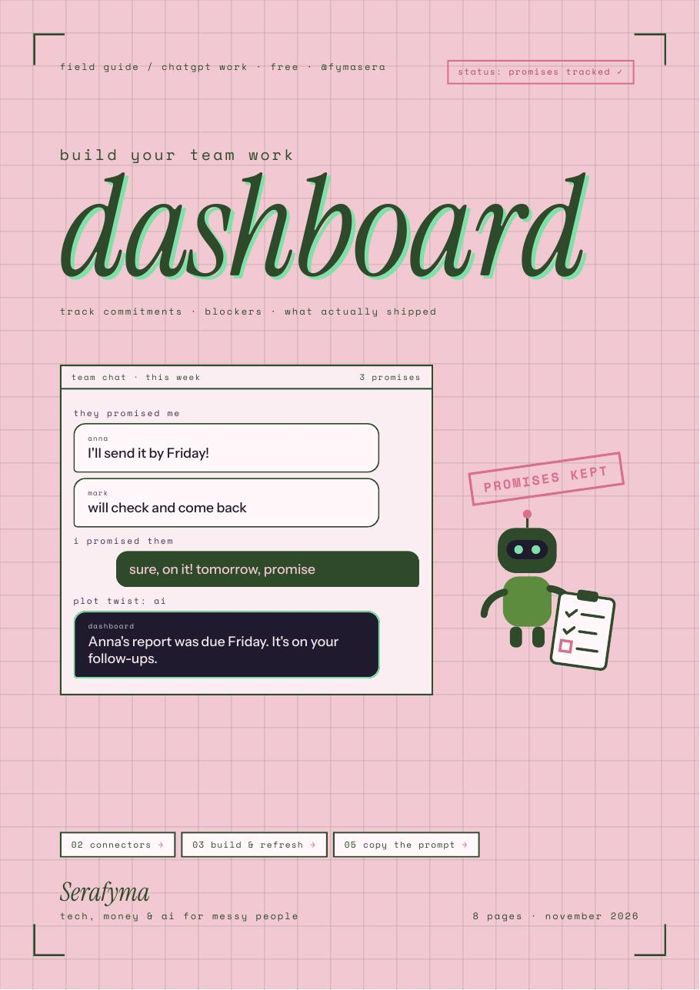
PDF · 8 pages · no sign-up
The messy person's money system
Claude does the boring part, so you never open a spreadsheet.
- Connect Wise, Revolut and other EU/EEA banks to Claude, read-only
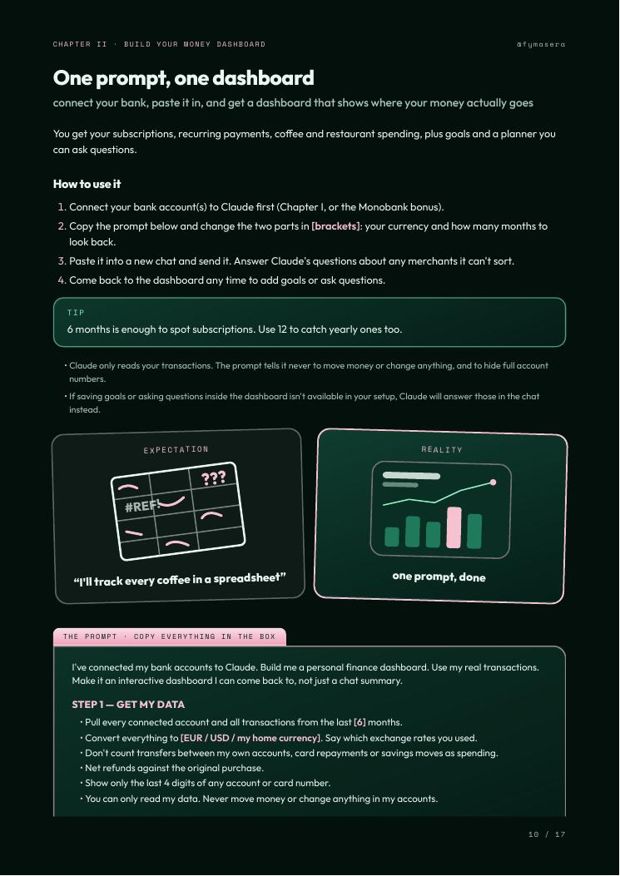
- One copy-paste prompt that builds your money dashboard
- Your first money audit: 5 questions and a checklist
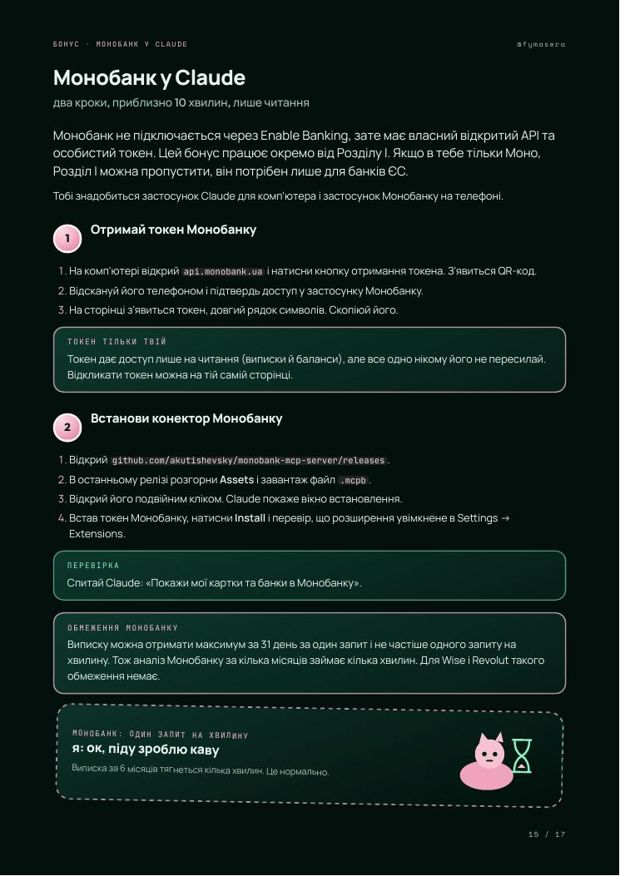
- Bonus for Ukrainians: Monobank in Claude
English, with the bonus in Ukrainian · Mac, with Windows notes
Price in USD. Tax is calculated at checkout where it applies. 14-day money-back guarantee.
You've downloaded the budgeting app. You've made the spreadsheet. Two weeks later you're back to guessing. This guide skips the discipline part: Claude reads your real transactions and shows you where the money goes, whenever you ask.
Connect your bank
Step by step, about 30 minutes, with a licensed connector. Read-only, nothing can move money.
Build your money dashboard
One prompt: overview, subscriptions, coffee tracker, restaurants, insights with real numbers, goals and a what-if planner.
Your first money audit
Five questions to ask Claude and a 15-minute checklist, so the dashboard turns into decisions.
Монобанк у Claude
Бонус для українців, українською. Приблизно 10 хвилин.
Once the dashboard is built, you talk to your money in plain language. The guide gives you the questions that find the leaks.
Example chat. Your answers come from your own transactions.
It's for you if
- You bank with Wise, Revolut or another EU/EEA bank, or with Monobank
- You use the Claude desktop app on a Mac (Windows notes included)
- You want to know where your money goes without tracking it by hand
- You can copy and paste a command into Terminal. That's the only techy part
What it isn't
- Not for US banks: Claude already connects those through its own Personal Finance feature
- Not a budgeting app or a subscription
- Not able to move money: every connection is read-only
- Not financial advice. It's the system I use for my own money
Hi, it's Serafyma
I'm a Product Lead who builds AI products for a living, and I was the first employee at two startups. I'm also creative and a bit chaotic, so I built a system where AI does the boring part with my money. This guide is that system, written so you can set it up in an afternoon.
Digital nomad, all over the place · @fymasera
Questions
How do I get the guide?
Right after payment you land on your download page, and Paddle emails your receipt. The PDF is yours to keep. Lost the file? Email hello@fymasera.com with your receipt and I’ll send it again.
Is it safe to connect my bank?
Yes. The guide uses a licensed connector, and every connection is read-only: nothing can move money. Your keys and settings stay on your own computer, and the guide shows how to turn everything off.
Do I need to know how to code?
No. You copy and paste a few commands into Terminal, and every step shows what you should see. A troubleshooting table covers the usual hiccups.
Which banks work?
Wise, Revolut and other EU/EEA banks. Monobank is covered in a bonus for Ukrainians. US banks already connect through Claude's built-in Personal Finance feature, so you don't need this guide for them.
Does it work on Windows?
Yes. The guide is written for macOS and includes the Windows changes: PowerShell instead of Terminal and where to find Claude's settings file.
Can I get a refund?
Yes. You have 14 days from purchase to ask for a full refund, no questions asked. See the refund policy.
Is it in Ukrainian?
The main guide is in English. The Monobank bonus is in Ukrainian.
14-day money-back guarantee · for personal use · not financial advice